Your League games, as live events.
LoL Events is a small Windows app that sits in your tray. While you play, it reads the game data the League client already offers on your own PC, and sends it to your LoL Events account. Every kill, objective, pick and item becomes an event you can watch live, look back on, or use to drive overlays and lights.
Windows 10 or 11, 64-bit · one .exe, no installer · freeOne .exe, no installer. Paste a code once. It starts with Windows and waits in the tray.
It asks the League client's local APIs. It never touches game files, game memory or Vanguard.
Make a key for yourself and one for your duo partner. Each key's games stay apart.
About 3 KiB/s in game, compressed. It runs fine next to a stream.
The app
Connect once with the code from your dashboard. After that, close the window: the app keeps running in the tray. Its icon shows a green, amber or red dot, and right-click gives Open, Pause, Start with Windows and Quit.
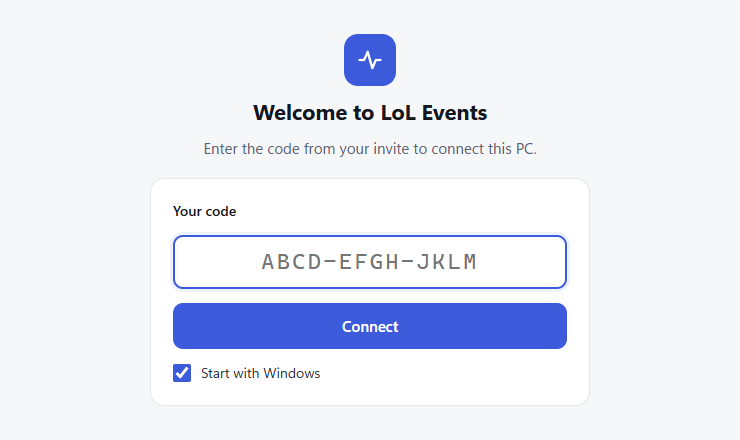
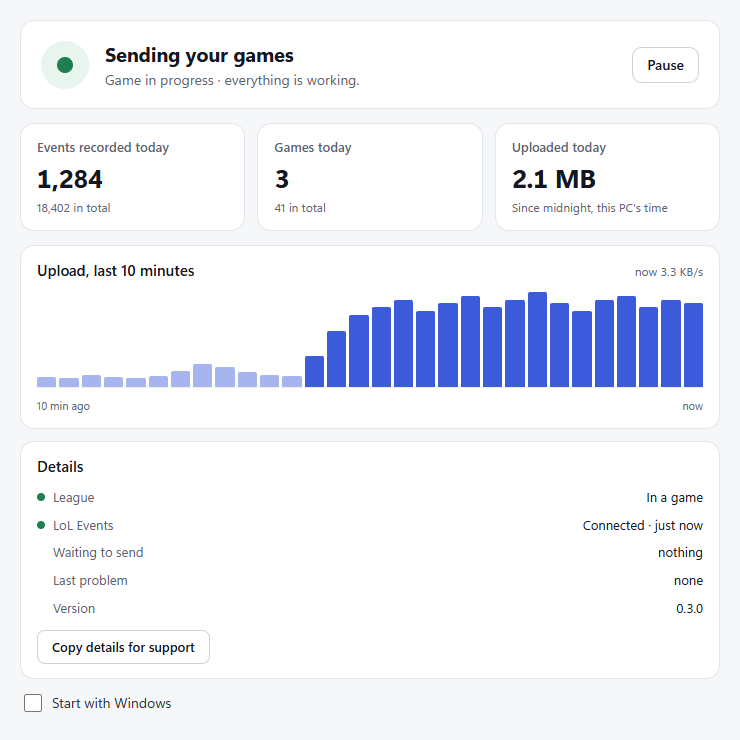
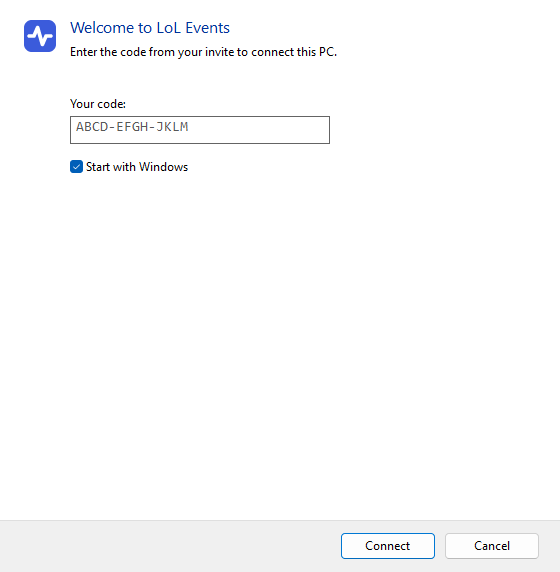
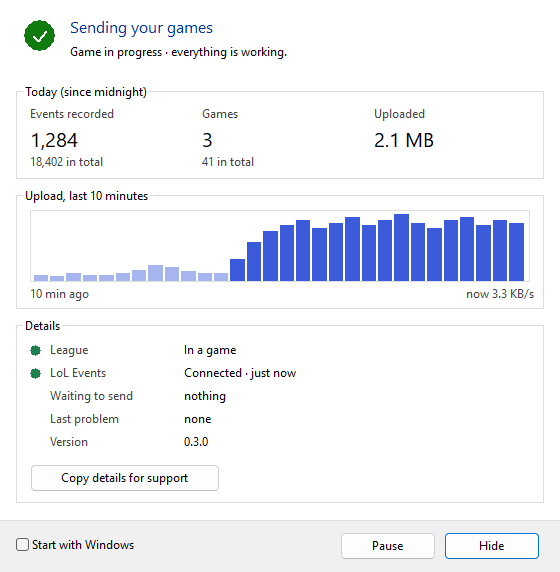
If your app looks like this, that is fine too
Some PCs lack Microsoft Edge WebView2, which draws the window above. The app then uses a plain Windows window with the same content and buttons. It collects and sends the same data.
How it works
The League client runs two local APIs on 127.0.0.1: the client (lobby, champion select, end of game) and the game itself. The app reads them a few times a second.
It removes anything that looks like a password or token, compresses the rest and sends it to collect.lolevents.link.
Our server turns it into events, joins your data with your duo partner's when you play together, and keeps each game's history.
What it reads, and what it never does
Reads, on your PC
Never
Set it up
On your LoL Events dashboard, open Devices and create a collector key. Name it after the player, such as “Me” or “Duo”. You get a one-time code, valid 24 hours.
Download it below, put it in any folder and run it. To set up your duo partner's PC, send them their own code.
That's it. Leave “Start with Windows” ticked, close the window, and play. The tray dot turns green when League is open and uploads work.
For headless PCs and scripts, a command-line tool (league-collector.exe) does the same job with a config file. Ask us for it.
Download
%LOCALAPPDATA%\LoLEvents.